Features
Start with one button.
Explore the rest whenever you like. Everything below is free, and a walk with none of it still counts.
Your walk
One button, pressed when you get back. Everything else on this page is optional.
-
I walked today!
Press it after a walk and the day counts. No distance, steps or route, and a second walk on the same day is fine.
-
Reflecting after a walk
After a walk, tap Add a little reflection for a short form of optional cards. Skip it and the walk is already saved.
-
A forgotten walk
Add a walk to any day in the last 30 days from the Footprints calendar.
-
The day's thought
A quote, a question or something to notice, new each day.
-
A thought to take along
Keep a thought until your next walk, and it stays with that walk.
-
A personal goal
The days a week you would like to walk, and your why. Never a score.
Also: Today and Dashboard When you walked Your own reflection form Removing a walk
What a walk can carry
Add any of these after a walk, or none of them.
-
Companions
The dog, a neighbor, grandma. Tap them onto a walk, and each one gets a page of your walks together.
-
Places
The river loop, around the block: places named in your own words, each with a painted icon. No maps.
-
Photos
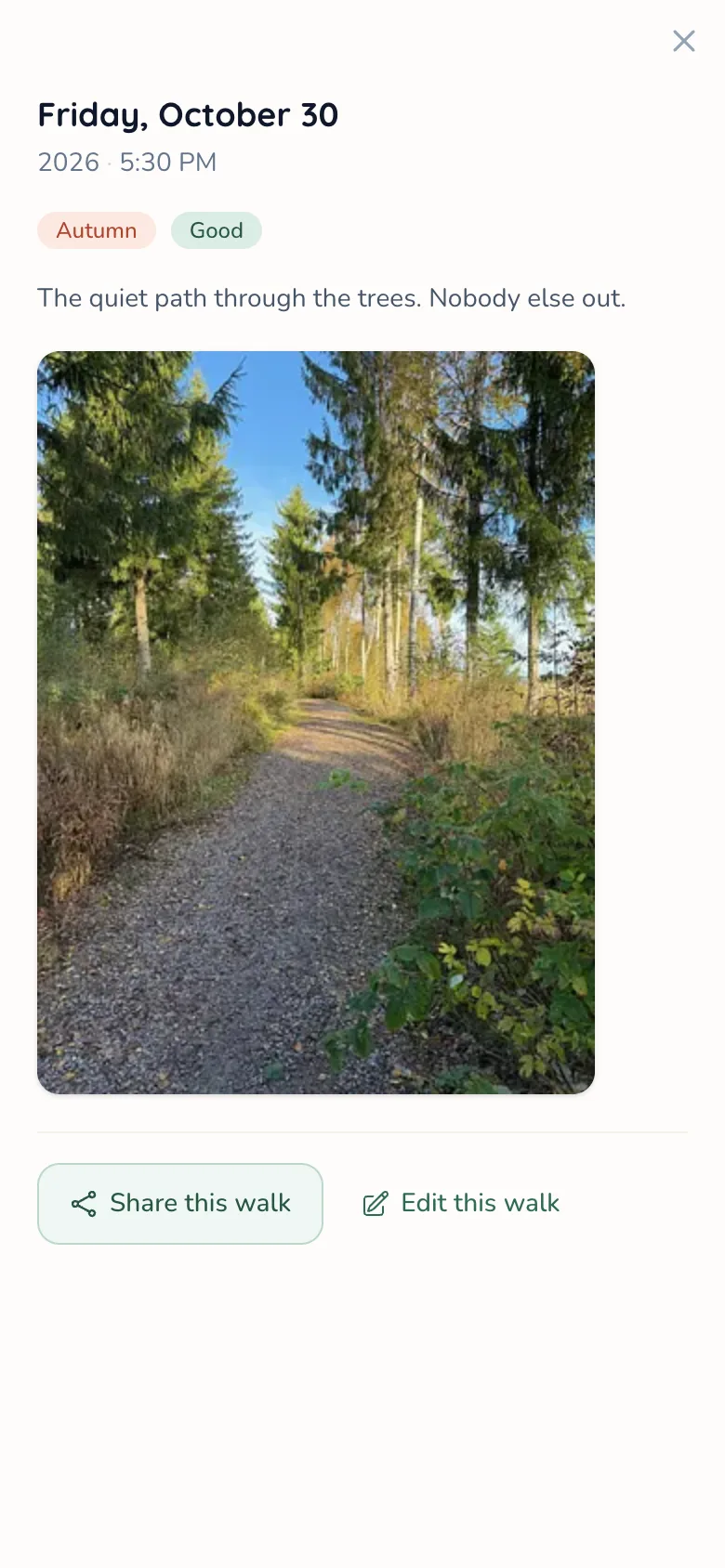
Up to three per walk, each with a caption. Location data is removed before a photo is stored.
-
Mood and weather
Five moods, the weather, and how warm it felt.
-
A note and one good thing
A short note, and a line for one good thing you noticed.
-
Tags
Labels you make yourself, like Solo time or Mobility aid.
Looking back
Every walk you log is kept, and some come back to you now and then.
-
Footprints
Every walk in a journal, your walking days on a calendar, and Insights on how walking has felt.
-
Year in Walks
A whole year in one recap: days walked, moods, places, good things and photos. There is one for each companion too.
-
The walk journal
Search your notes and good things, and filter by mood, companion, place or tag.
-
The calendar
A month at a time, with the days you walked marked.
-
Memories
Every walk photo as a gallery, by year.
-
How walking feels
Which time of day tends to feel best, and how walks at a place felt. Never targets.
-
Companion and place pages
Days together or days there, how those walks felt, the photos, and a favorite memory for a companion.
-
On this day
A walk from today's date in an earlier year, or from around this time before.
-
This week
Your days walked this week, who came along, and one good thing from it.
Found along the way
Small markers, found rather than chased.
-
Finds and charms
Now and then a walk turns up a find, like a feather or a paper crane. Keep it, use it for a charm on your next walks, or unlock a scene for good.
-
Days that add up
Milestones count the days you walked, ever, and badges mark small things like a walk in each season. Some celebrate days in a row: a missed day interrupts that run, never what you earned. Many unlock a mug, a theme or a music track.


Company, if you want it
Your profile, friends and circles are off until you turn them on. In The Meadow your walks are anonymous sprouts.
-
Walking Circles
Groups that walk in the same week, with a shared feed, photos and events. It shows who walked, never who didn't.
-
The Meadow
Walks from across MossMug, anonymous by default. No comments or followers, just a heart.
-
Friends
See when friends walked. Add them by username or with an invite link.
-
High fives
One tap on a friend's walk to say well done. No counts.
-
Your public profile
An optional page at mossmug.com/@username. You choose every section.
-
Public companion pages
The walks a public companion came along on, linked from your profile.
-
Share cards
An image of a walk, made on your device, to post wherever you like.
Also: Blocking a walker
Make it yours
Looks and sounds to choose from, with more unlocking as you walk.
-
Mugs, themes and hills
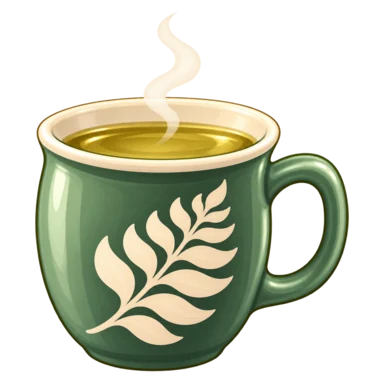
Painted mugs for the walk button, colour themes, palettes, avatar frames and night mode. The hills on Today follow the season where you live.
-
-
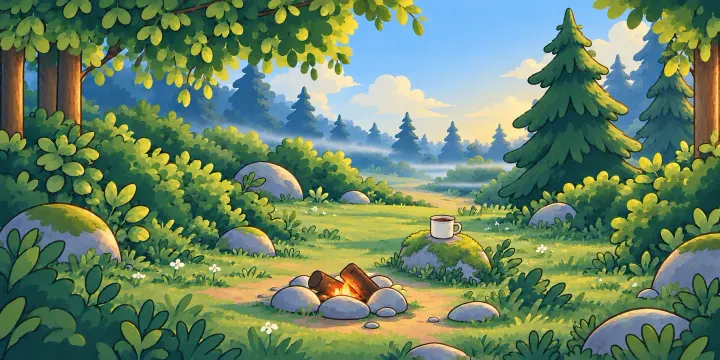
After-walk scenes
A short painted scene when you log your first walk of the day: by the fire, by the brook, or a dawn clearing.
-

By the fire -

By the brook -
Dawn clearing
-



-
Cozy music
Soft instrumental tracks, off until you press play.
The practical side
In your browser or on your phone, and every feature is free.
-
Signing up and in
Google, Apple or an email address. A password is optional.
-
Installing MossMug
The Android app on Google Play or the iPhone beta on TestFlight, each with a home screen widget. Or add MossMug to your home screen from the browser.
-
Logging without reception
On Android, a walk tapped without signal is saved on the phone and syncs later.
-
Notifications
Each type is its own switch, with push to your phone if you want it.
-
Emails
A Sunday reflection on your week and a few notes, each with a one-click unsubscribe.
-
Reminders
Getting-started notes, a hello after a long break, and a mid-week note if you're behind a goal you set. Each can be switched off.
-
Feedback and what's new
Write to us from inside the app, and see what has changed.
-
Your data
Delete your walking data or your whole account whenever you like.
Come on in.
Your first walk can be five minutes around the block. The rest will be here when you want it.
Create your account